
Self-Service Password Reset
Password recovery that help desk doesn't have to own
Guided reset and account-unlock flows with verification, tenant controls, and API access for your identity stack.
- Email OTP verification
- Optional TOTP
- Per-tenant policy
- REST APIs
Password reset
Verify identity → set new password
Account unlock
Restore access without a ticket
Orqit SSPR gives each tenant a branded hub for password reset and account unlock—governed by admin policy, verified with OTP (and optional TOTP), and available via web UI and versioned REST APIs.
Who this is for
- IT administrators reducing password-related ticket volume
- Security teams enforcing verification and lockout policy
- Employees and contractors who need self-service recovery
Problems we solve
-
Password ticket flood Agents spend hours on repetitive reset and unlock requests.
-
Inconsistent verification Ad-hoc resets bypass policy and leave weak audit evidence.
-
Account lockouts Users cannot work until someone manually intervenes.
-
Integration gaps Legacy directories need API-driven reset without custom scripts.
Recovery flow
From locked out to back online
Tenants enable SSPR from Admin → Security. Users land on a dedicated hub to start password reset or account unlock, verify identity via email OTP (with optional TOTP), and complete the flow in guided steps. Integrators use REST APIs with credential management for automated directory sync—all scoped per tenant with configurable policies.
-
1
User opens SSPR hub
Chooses password reset or account unlock from the tenant-branded entry.
-
2
Identity verification
OTP (and optional TOTP) confirms the user before any credential change.
-
3
Complete recovery
User sets a new password or regains access—help desk stays out of the loop.
-
4
Admin governance
Security admins tune policy, API users, and integration docs in one place.
Capabilities
Everything in the SSPR module
Identity self-service for IT administrators, security teams, and employees who need fast recovery without compromising tenant policy.
Password reset wizard
Email verification, OTP challenge, and secure password set steps.
Account unlock
Self-service unlock path with the same verification rigor as reset.
Tenant admin controls
Enable flows, TOTP requirements, and messaging per organization.
REST APIs
Versioned SSPR APIs with admin-managed API credentials.
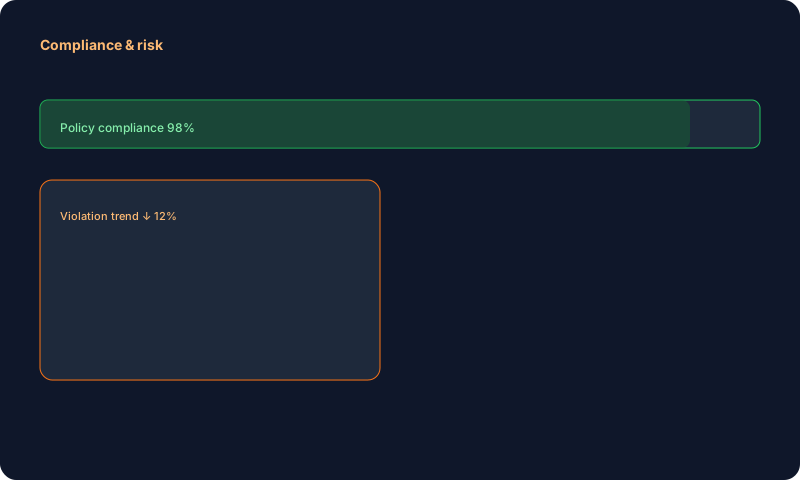
Audit & compliance
Challenge and completion events support security reviews.
Governance
Security controls admins expect
- SSPR is tenant-configurable—not a global on/off in application config.
- API credentials are admin-provisioned with scoped access.
- Verification challenges are designed to resist replay and session fixation.
Outcomes
What your teams gain
Faster recovery
Users unblock themselves in minutes instead of waiting on agents.
Verified by design
Multi-step verification aligns with enterprise security expectations.
Per-tenant policy
Each organization controls enablement and verification requirements.
API-ready
Connect directory and automation tools without one-off scripts.
For integrators
APIs, credentials, and OpenAPI docs
Security admins monitor adoption and tune policies; integration teams use OpenAPI docs for SSPR endpoints.
Open API docs →
Integrations
Works with your identity stack
 Microsoft Entra ID
 Okta
Okta
 Google Workspace
FAQ
Common questions
Can we turn SSPR on per tenant?
Yes—admins enable and configure self-service flows under Security settings.
Is there an API for automated resets?
Yes—versioned REST APIs are available with admin-managed API credentials.
Ready to deflect password tickets?
Enable SSPR per tenant, tune verification policy, and connect your directory—with help desk left for the exceptions.