
Developers
Build on Orqit – Secure, Scalable Extensions
Official SDKs, sandbox, and best-practice guides to accelerate your development.
Strategic positioning
The Developers portal offers comprehensive SDKs, sandbox environments, and best-practice guides, enabling rapid, secure, and maintainable extensions.
Who this is for
- Software engineers extending Orqit
- Partner developers creating marketplace apps
- Internal dev teams building custom workflows
Operational pain points
-
Fragile custom code Lack of clear extension patterns leads to brittle integrations.
-
Environment setup friction Inconsistent local dev setup slows every project kickoff.
-
Security uncertainty Unclear best practices for tokens, scopes, and data privacy.
Execution-aware ITSM
See the full impact chain—not just the symptom
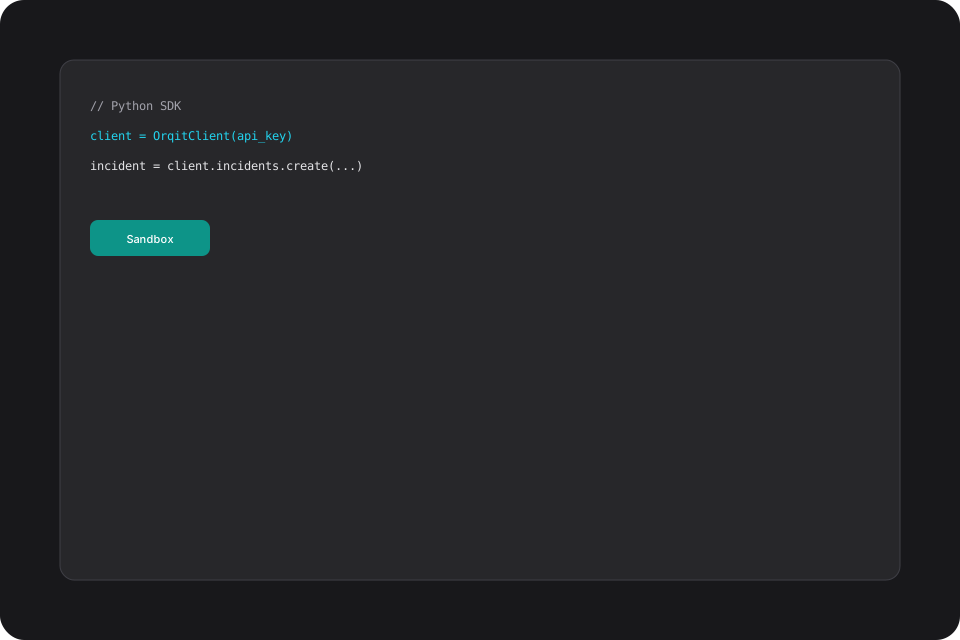
Orqit provides language-specific SDKs (Python, TypeScript, Go) that handle authentication, pagination, and retry logic. The portal includes sample projects, CI/CD pipelines, and guidelines for testing in a sandbox tenant. Security guidelines cover token handling, least-privilege scopes, and data privacy.

Capabilities
Platform capabilities
SDKs, sandbox environments, and best-practice guides for engineers extending Orqit.
Official SDKs
Fully-featured client libraries with retries and pagination.
Sandbox Tenants
Isolated environments for safe testing.
Extension Framework
Hooks for webhooks, UI widgets, and automation actions.
CI/CD Templates
GitHub Actions workflows for lint, test, and publish.
Security Guidelines
Token rotation, secret management, and compliance checks.
Workflow examples
How incidents move through Orqit
-
1
Custom Webhook
Receive external events and push into Orqit workflows.
-
2
UI Widget
Add a custom dashboard panel showing external KPIs.
-
3
Automation Action
Plugin performs cloud resource cleanup on trigger.
-
4
Marketplace App
Package extension and submit to the partner marketplace.
Operational benefits
Outcomes your teams will feel
Ship faster
SDKs and templates reduce integration development time.
Stay compliant
Security standards built into every extension path.
Iterate safely
Sandbox and CI/CD enable rapid, confident releases.
Governance & security
Built for audit and least-privilege
- All extensions must be signed and reviewed before production deployment.
- Permissions are scoped per extension via RBAC.
- Audit logs capture calls made by extensions for traceability.
AI usage
Co-pilot within your guardrails
AI suggests code snippets based on described functionality and can auto-generate API request scaffolding.
Analytics visibility
Operational dashboards that executives trust
Developer portal tracks extension usage, error rates, and performance metrics.

FAQ
Common questions
How do I publish an extension?
Follow the Marketplace Publishing Guide; extensions are reviewed for security before being listed.
Can I test against real production data?
Tests should run in sandbox; production access requires explicit approval.
Ready to modernize IT operations?
Launch a pilot workspace or book a walkthrough with our team.